

Why Signals Keep Dropping
Wi-Fi issues often come down to what’s placed near your router. Many common household devices emit interference or block signals when positioned too close, quietly reducing speed, stability, and coverage throughout your home.
 Roman Samborskyi, Shutterstock
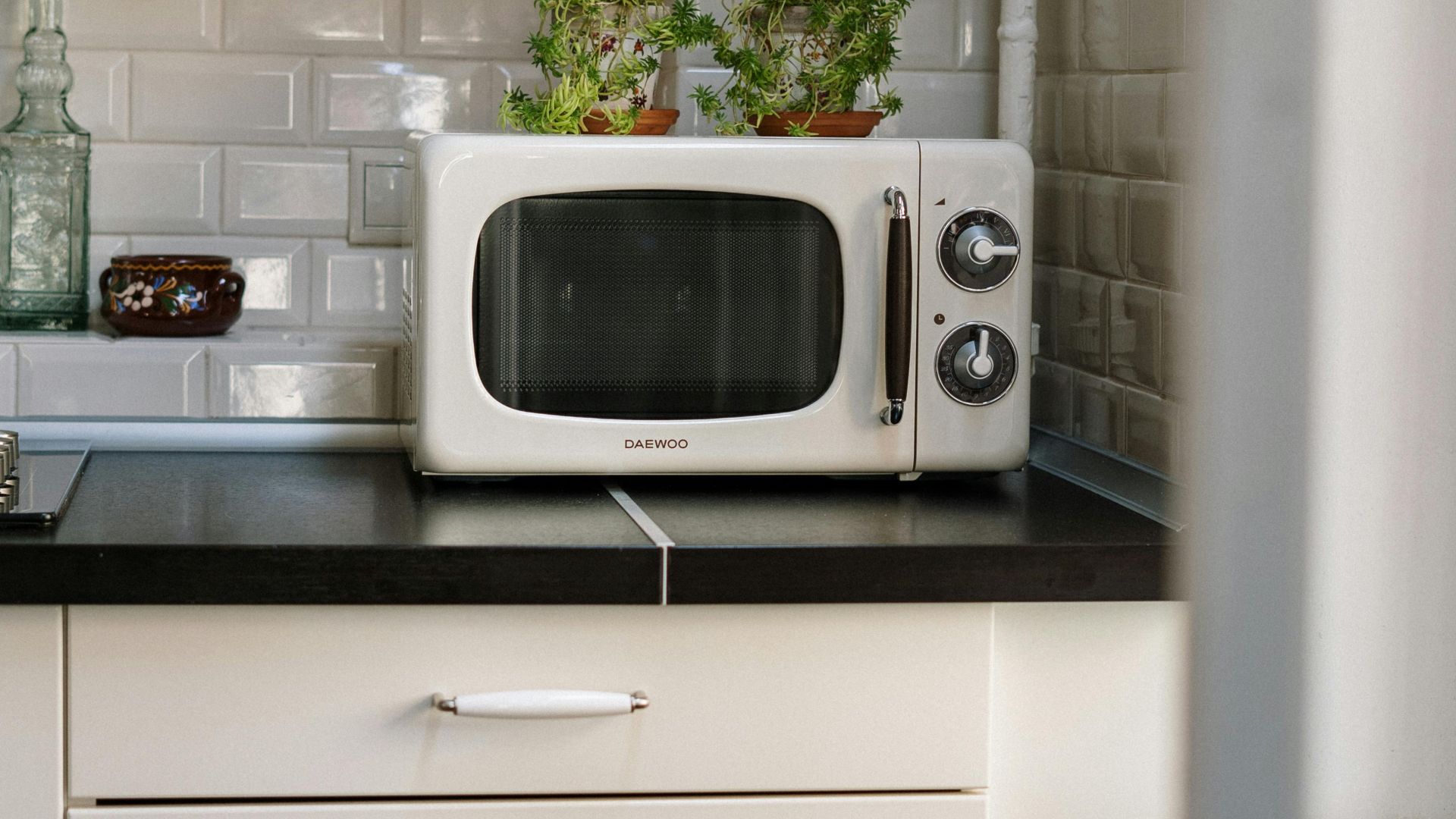
Microwave Ovens
Your microwave runs on the same 2.4 GHz band as your Wi‑Fi, which creates a problem. When heating food, it leaks strong electromagnetic radiation that disrupts nearby routers. This interference often causes sudden connection drops.
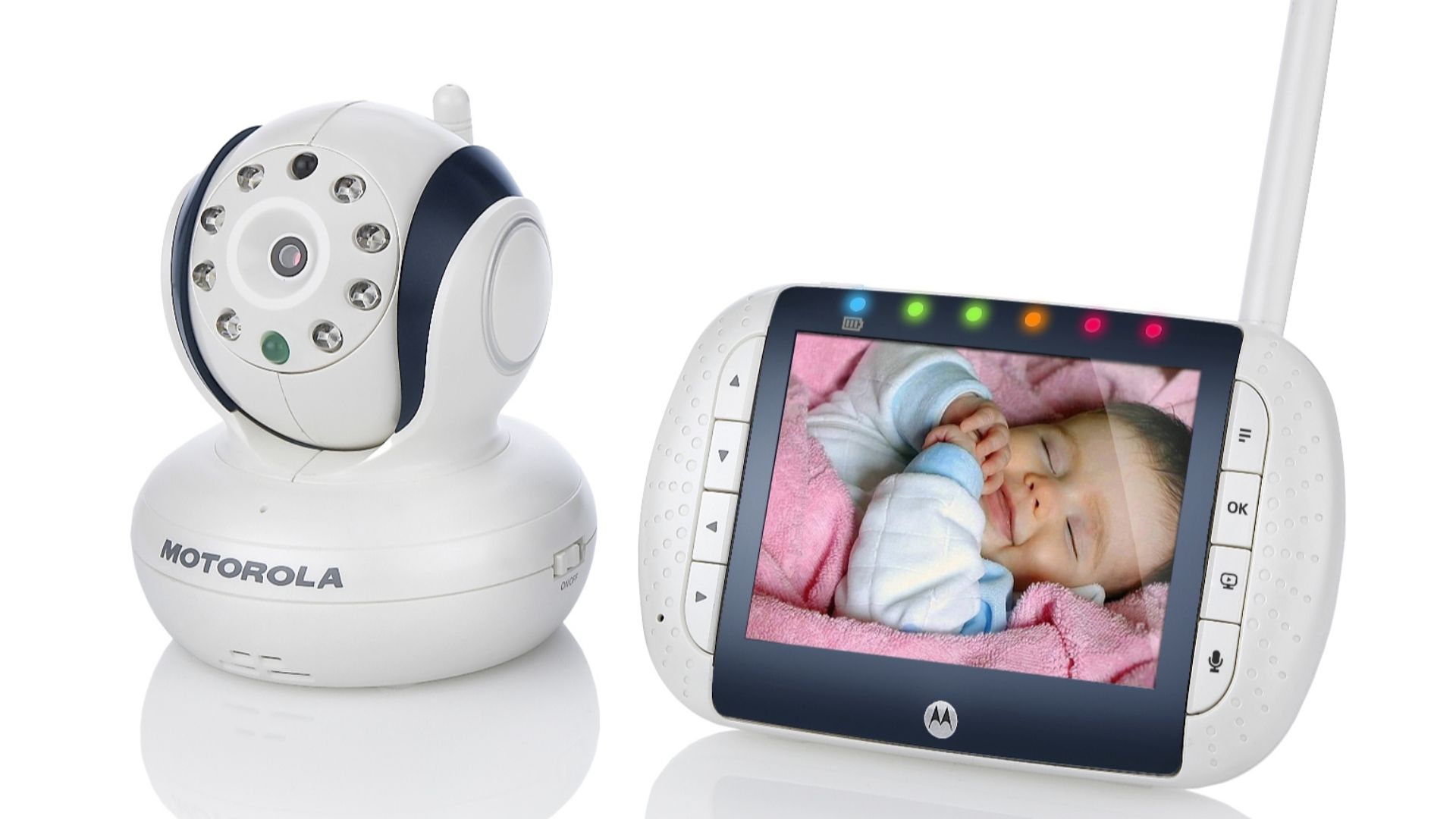
Baby Monitors
Baby monitors transmit constantly on 2.4 GHz, creating ongoing signal chatter that interferes with your router. This continuous transmission can actually block Wi‑Fi coverage in nearby rooms and make it harder to get a stable connection.
 Binatoneglobal, Wikimedia Commons
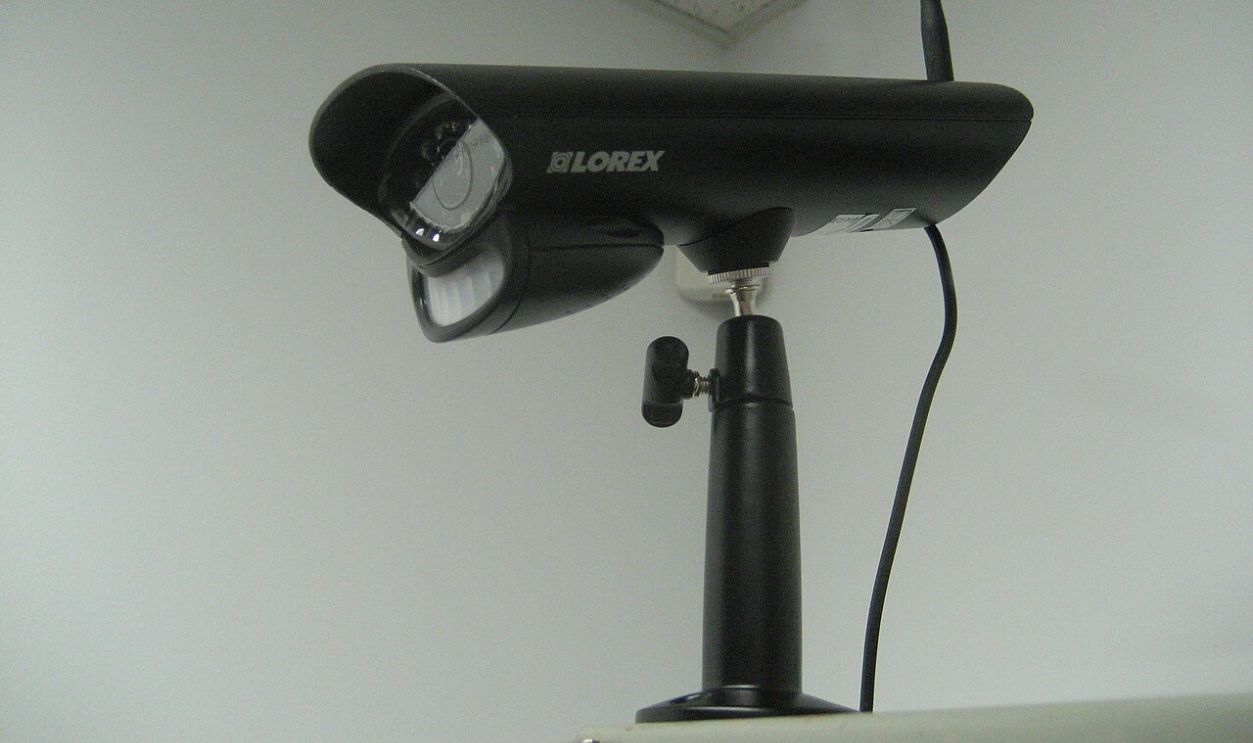
Wireless Security Cameras
Security cameras create serious Wi‑Fi congestion because they're always streaming footage on 2.4 GHz. Their constant bandwidth consumption clogs up router traffic. The more cameras you have running simultaneously, the worse the slowdown becomes for smartphones, laptops, and smart home gadgets competing for connection.
Smart TVs
Heavy streaming on your smart TV competes with other devices for bandwidth, slowing everything down during movie nights. Beyond the digital interference, those large screens can physically block Wi‑Fi signals from reaching certain rooms. Add in the constant background traffic smart TVs generate, and your router struggles to keep up with demand.

Game Consoles
Console updates are notorious bandwidth hogs that make everything else crawl while they download in the background. The wireless controllers you're using also operate on 2.4 GHz, which creates additional noise on your network.

Wireless Printers
Wireless printers connect over the same 2.4 GHz band as many home devices. When actively sending large print jobs, they can generate bursts of traffic that compete with streaming or video calls, leading to congestion. Position routers away to minimize interference during heavy use.

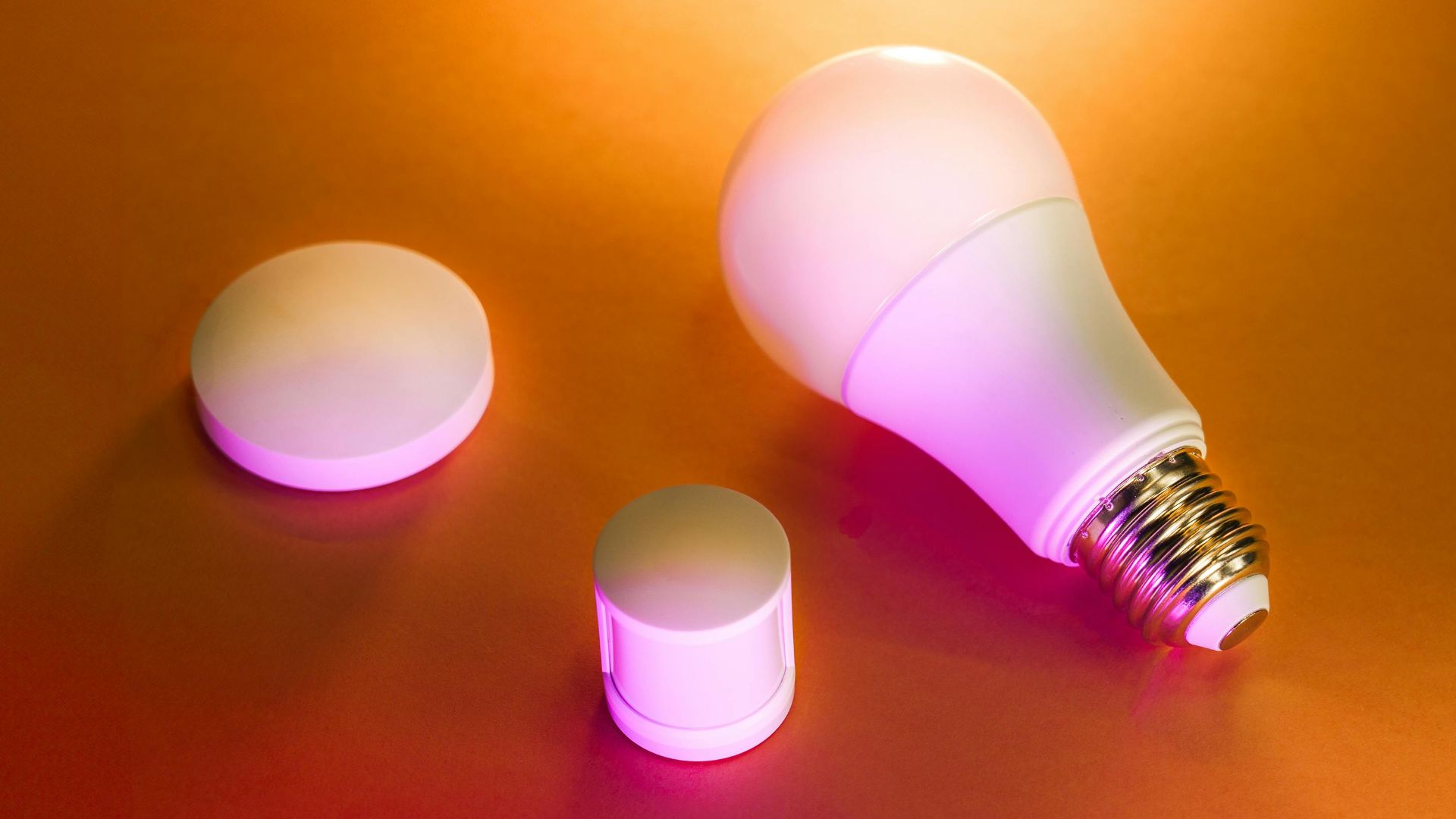
Smart Bulbs & Plugs
Smart bulbs and plugs constantly ping your router to stay connected, and add noise to the 2.4 GHz band. Each device reduces available bandwidth. The more smart home gadgets you add, the more your router struggles to manage all the simultaneous connection requests efficiently.
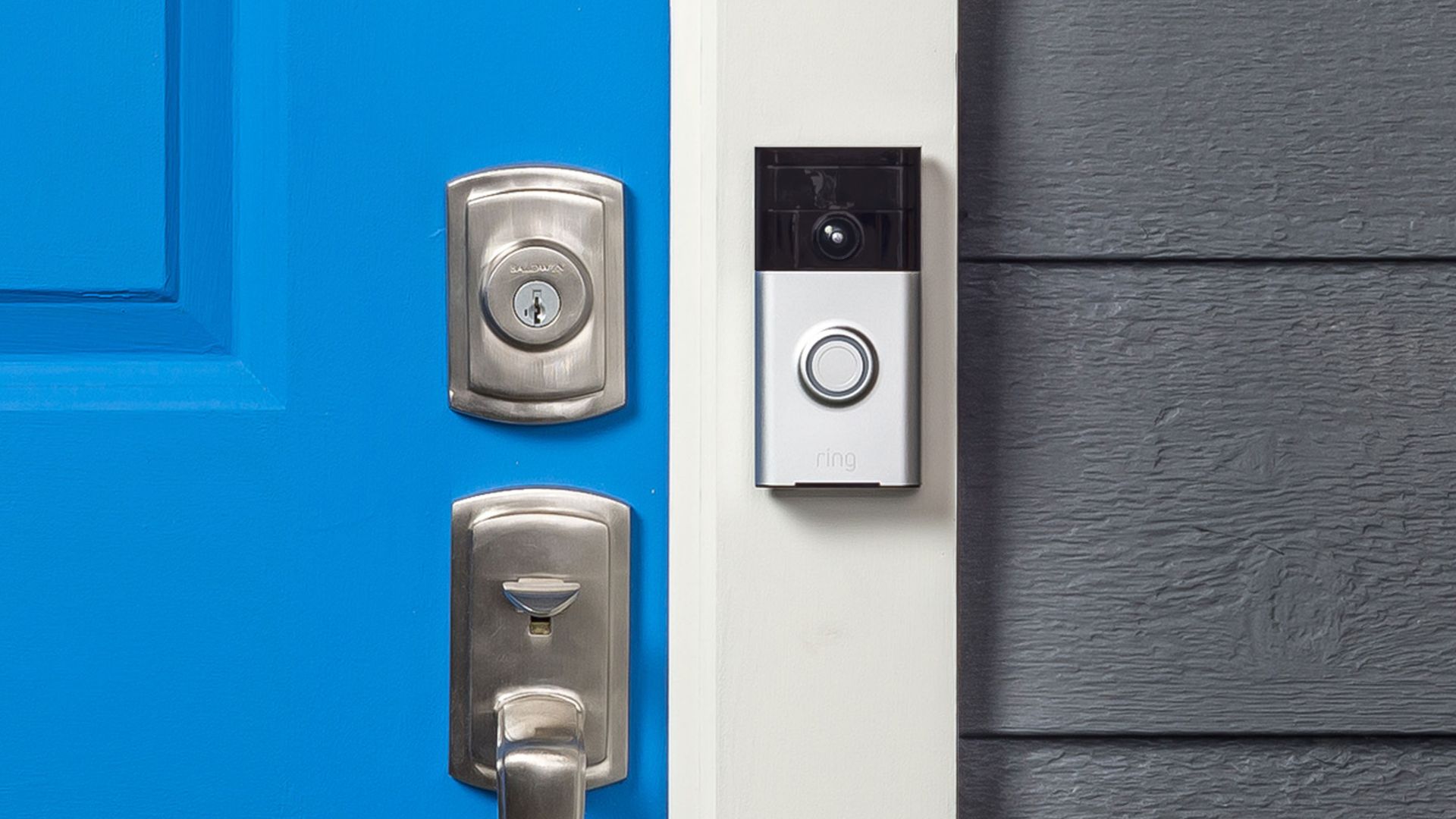
Wireless Doorbells
Wireless doorbells operate on frequencies that overlap with Wi‑Fi, and they emit particularly strong signals when someone rings. This sudden burst of interference can cause packet loss in your router. Even between rings, these devices maintain a connection that adds to the overall congestion on your home network.

History's most fascinating stories and darkest secrets, delivered to your inbox daily.
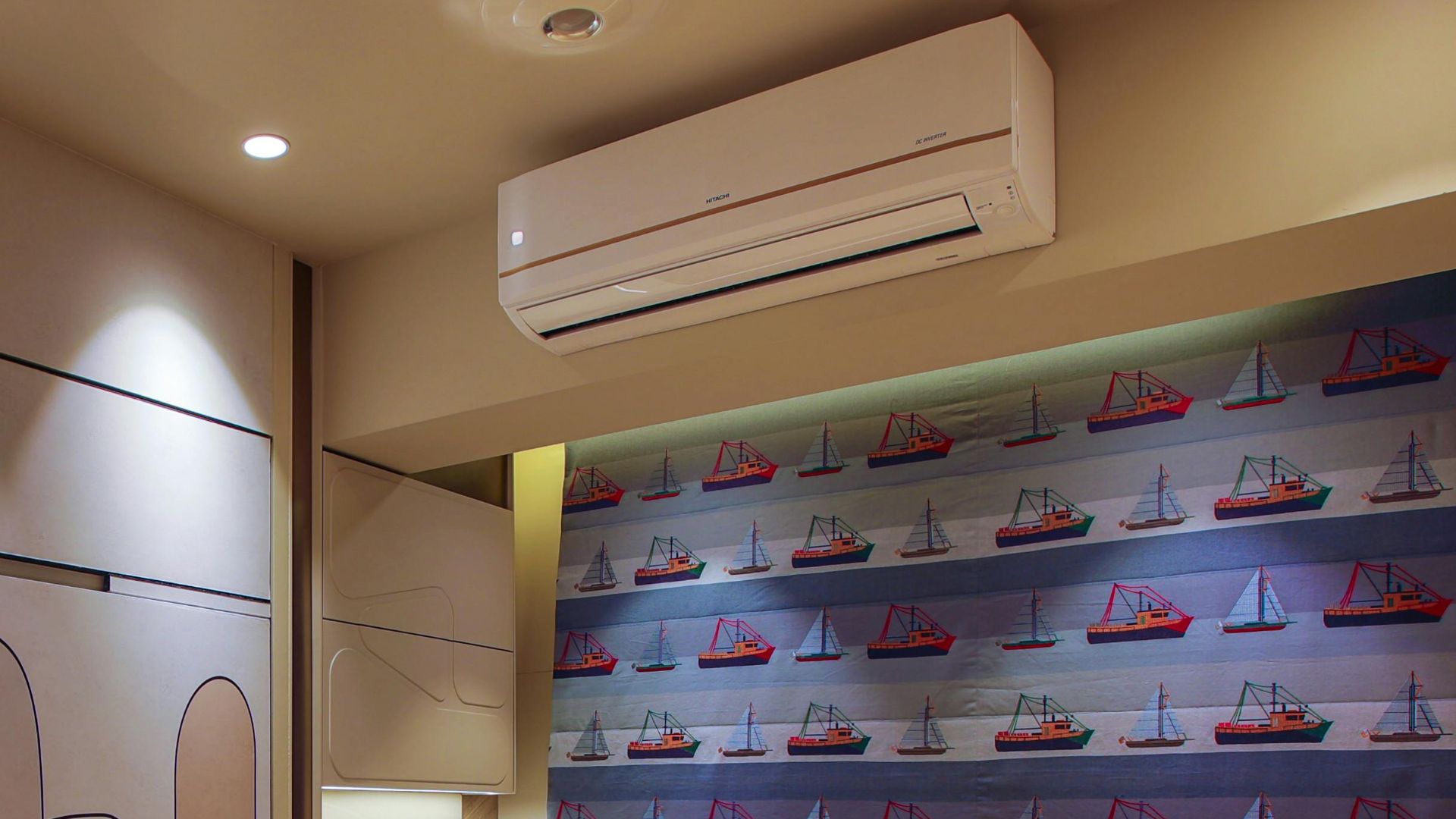
Air Conditioners
Air conditioners can emit RF noise from motors and compressors that directly interfere with your Wi‑Fi signal. Aging or poorly shielded HVAC components increase electromagnetic interference as they deteriorate over time. Besides that, some smart HVAC systems now use Wi‑Fi themselves, creating a strange situation where your air conditioner disrupts the very network it needs.
Older TVs (CRT/Plasma)
CRT and plasma TVs emit electromagnetic interference that reduces Wi‑Fi stability in nearby rooms. Their large screens create physical barriers that block router signals from passing through effectively. If your older TV sits between your router and devices you're using, you'll notice weaker connections and slower speeds throughout that area.

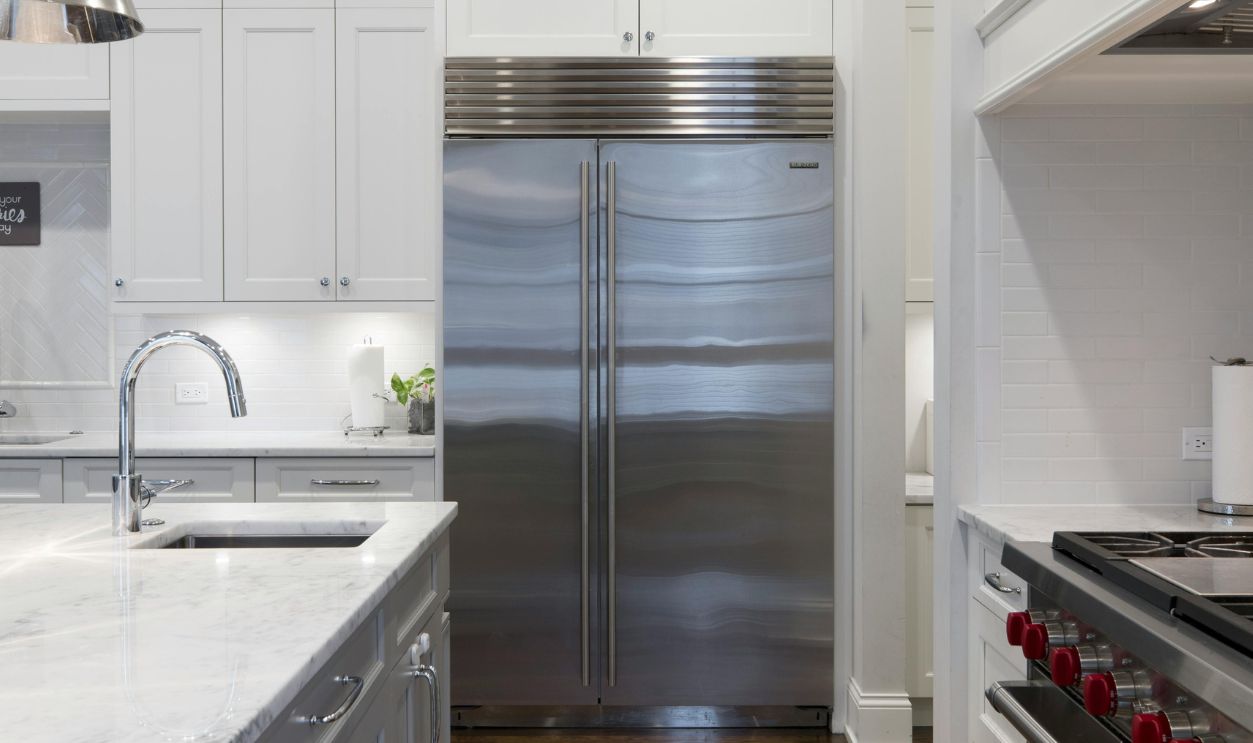
Large Refrigerators
The thick metal casing on large refrigerators blocks Wi‑Fi signals trying to pass through your kitchen. When the motors run, they generate electrical noise that creates additional interference. These appliances also absorb Wi‑Fi waves.
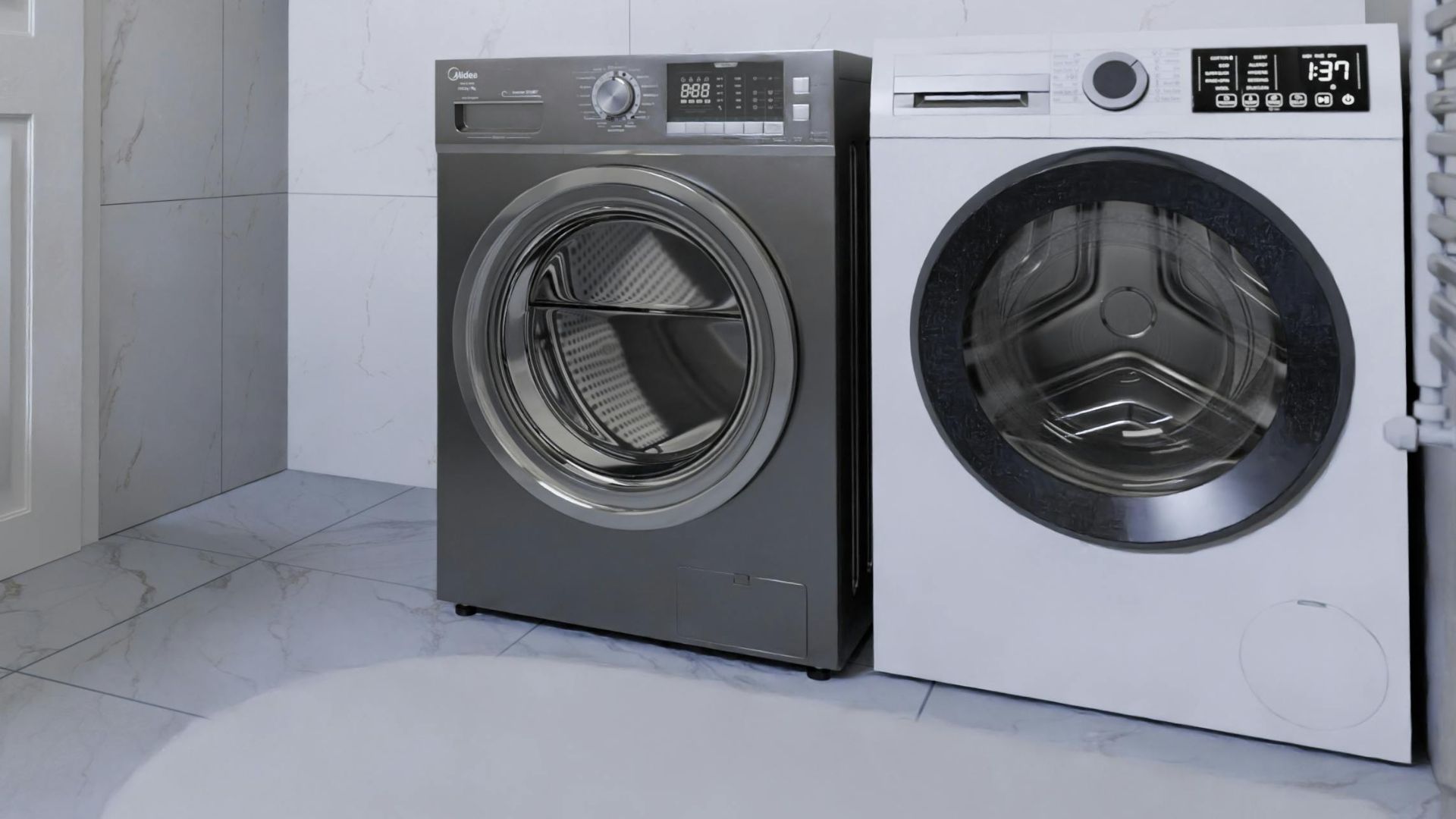
Washing Machines
Metal drums inside washing machines obstruct Wi‑Fi signals and create connectivity problems in laundry rooms and adjacent spaces. The motors generate interference while running, adding electrical noise to the disruption. Combined with their large physical size, washing machines effectively block router coverage.
Treadmills & Exercise Equipment
Cheap brushed DC motors and variable‑frequency drives in treadmills emit electrical noise that disrupts nearby Wi‑Fi. Broadband dropouts often occur when routers sit close. Modern models even include built‑in Wi‑Fi for streaming, ironically worsening the signal they rely on.

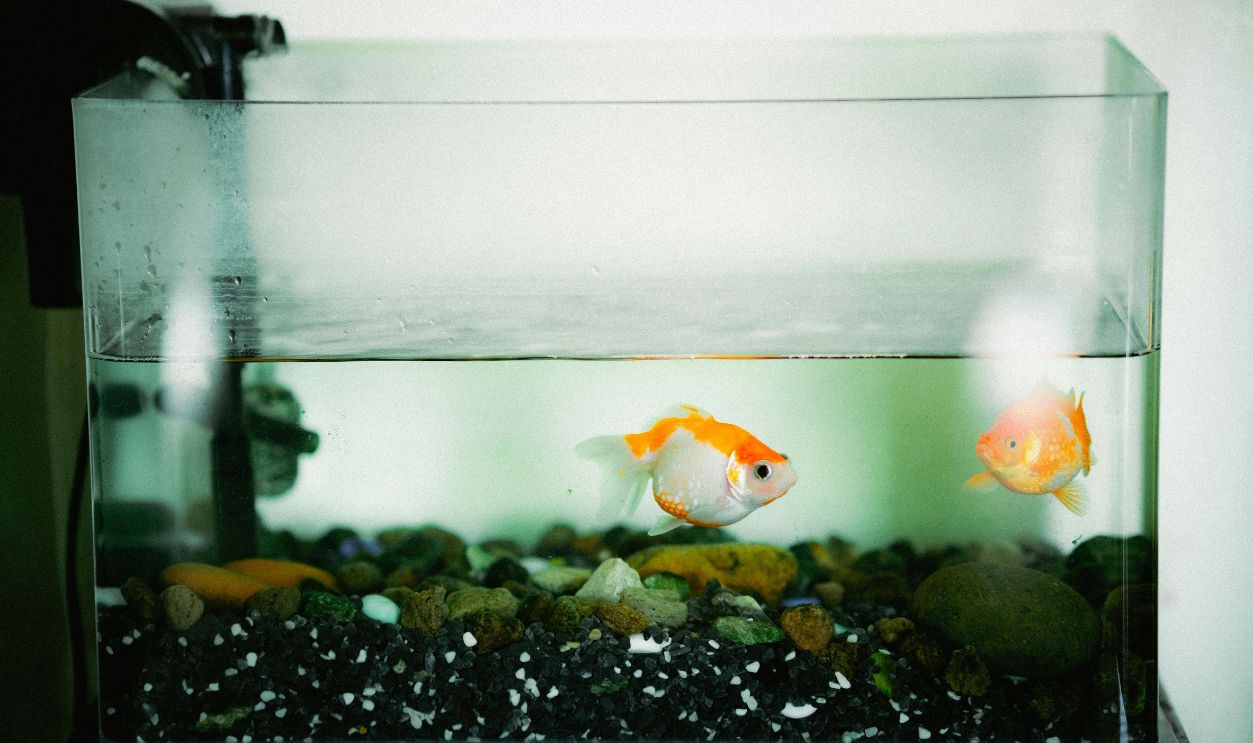
Aquariums
Water in aquariums absorbs Wi‑Fi waves, which makes these decorative tanks surprisingly effective signal blockers. Glass panels and metal frames surrounding the tank compound the problem by physically obstructing router signals. The larger your aquarium, the more significant the dead zone it creates.
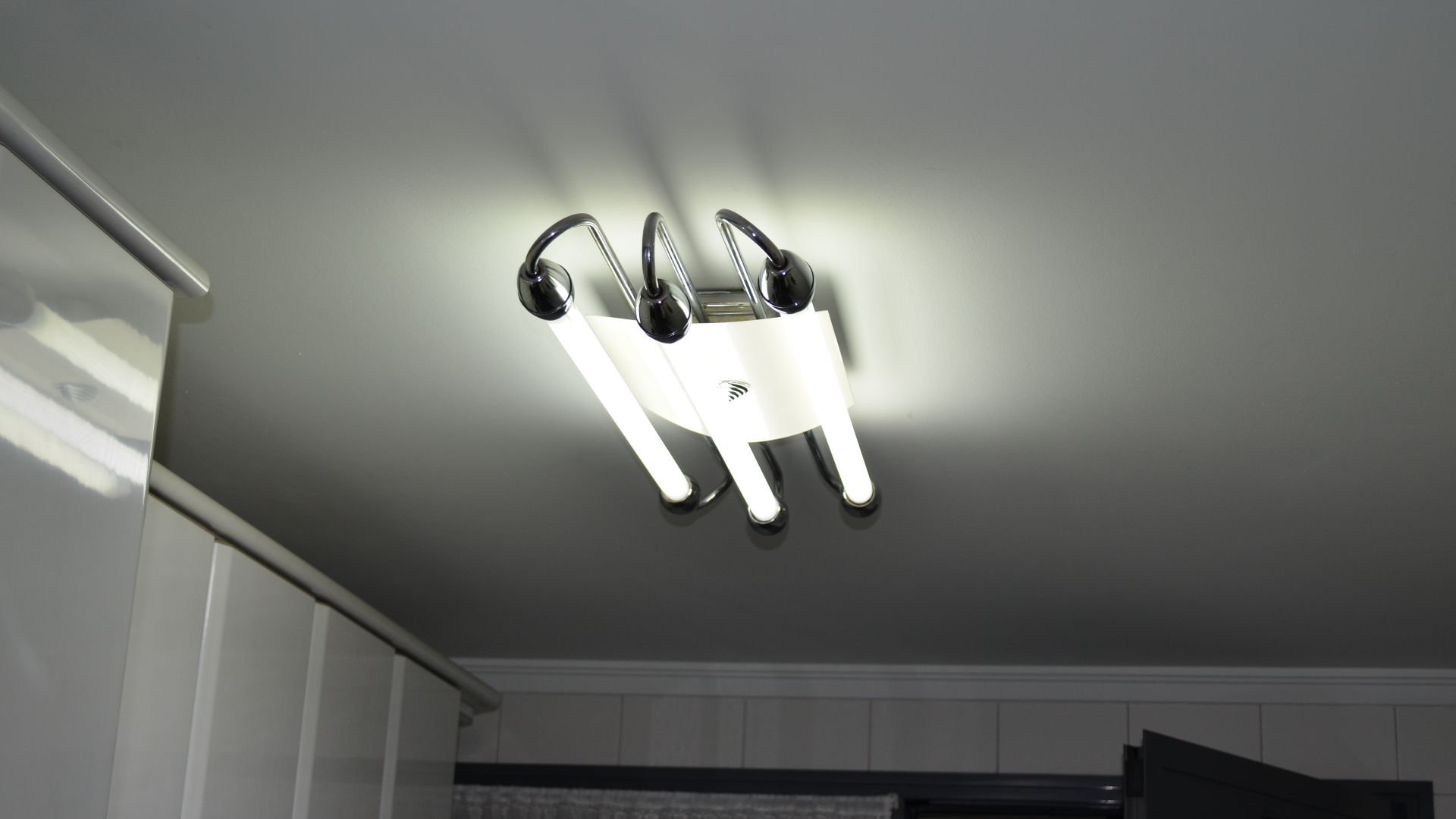
Fluorescent Lamps
The flickering characteristic of fluorescent lamps creates ongoing disruption to your Wi‑Fi signals and router performance. Electromagnetic noise from their ballasts adds another layer of interference that reduces connection stability. Offices and garages with multiple fluorescent fixtures often experience worse Wi‑Fi performance compared to spaces using LED or incandescent lighting alternatives.
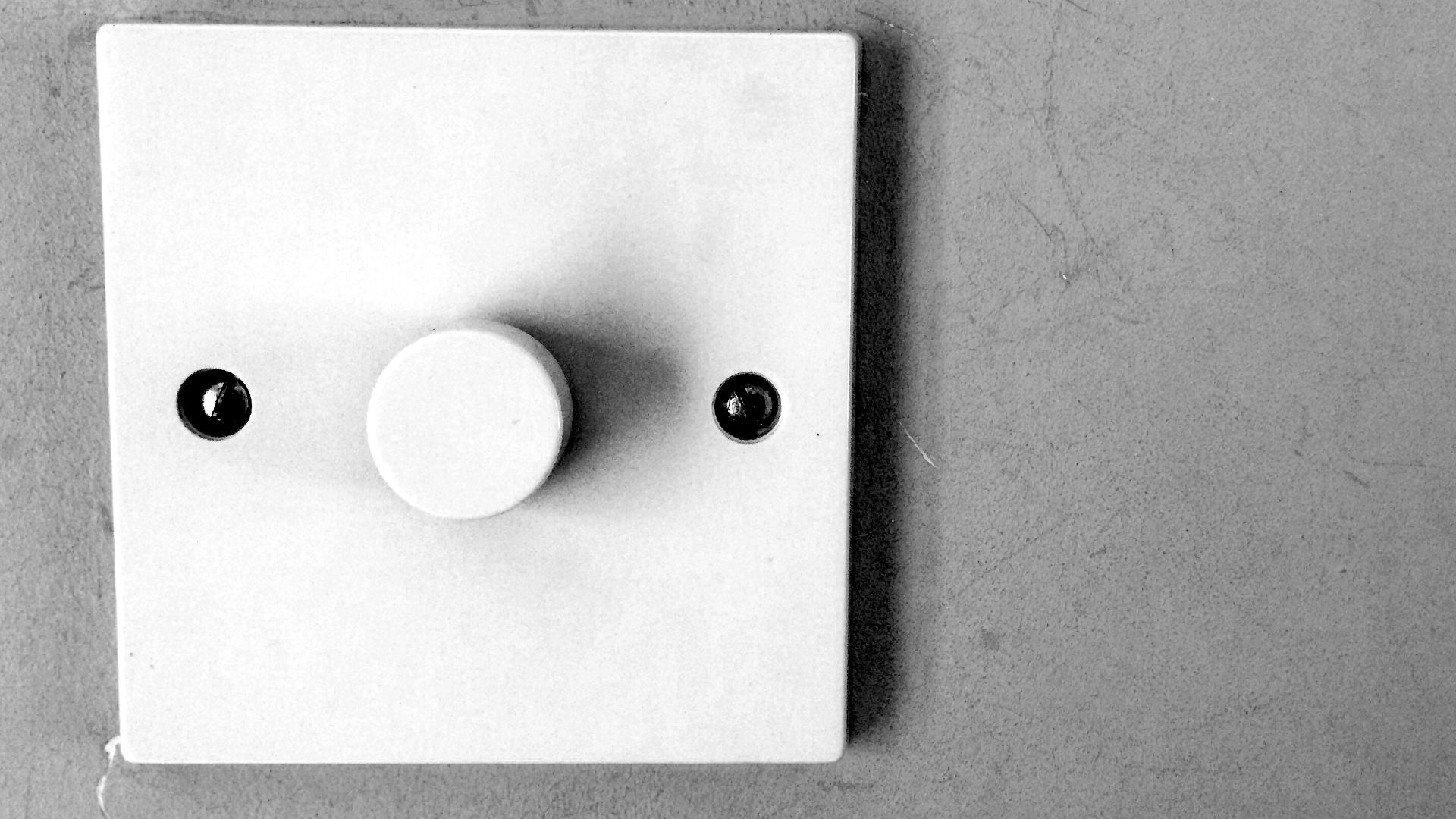
Dimmer Switches (Electronic)
Wi‑Fi disruption usually stems from electronic dimmers leaking interference into household wiring. Faulty units reveal themselves through flickering lights, a sign of electromagnetic noise. Moreover, smart dimmers using Zigbee or Wi‑Fi add congestion, competing with routers and weakening overall network performance.
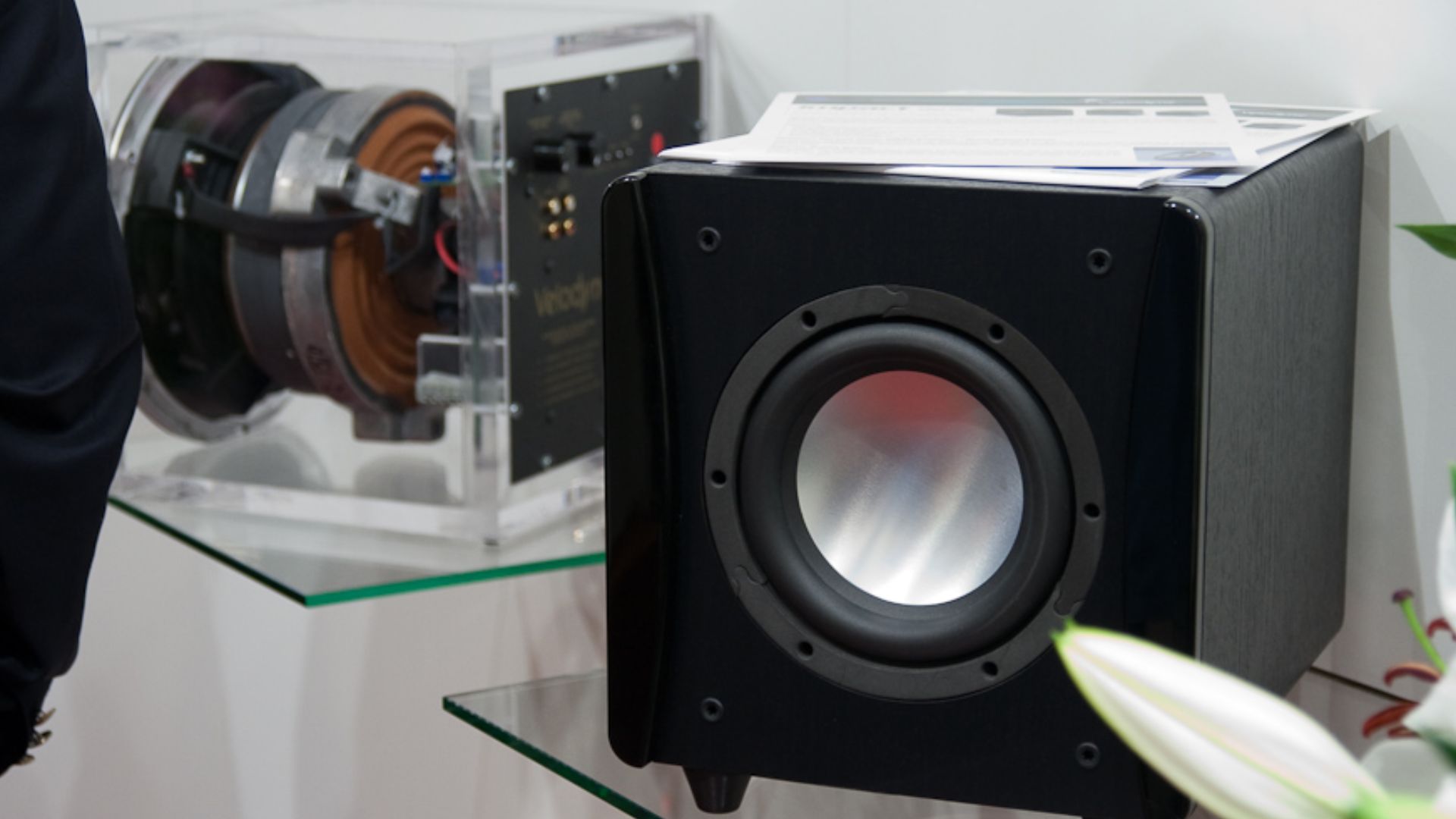
Subwoofers & Amplifiers
Subwoofers and amplifiers don’t emit strong magnetic fields that disrupt Wi‑Fi. Issues arise from electrical noise in poorly shielded equipment or physical obstruction from large metal casings. So, keep routers away from bulky audio gear to avoid blocked signals and maintain smoother connectivity.
 Christian Herzog, Wikimedia Commons
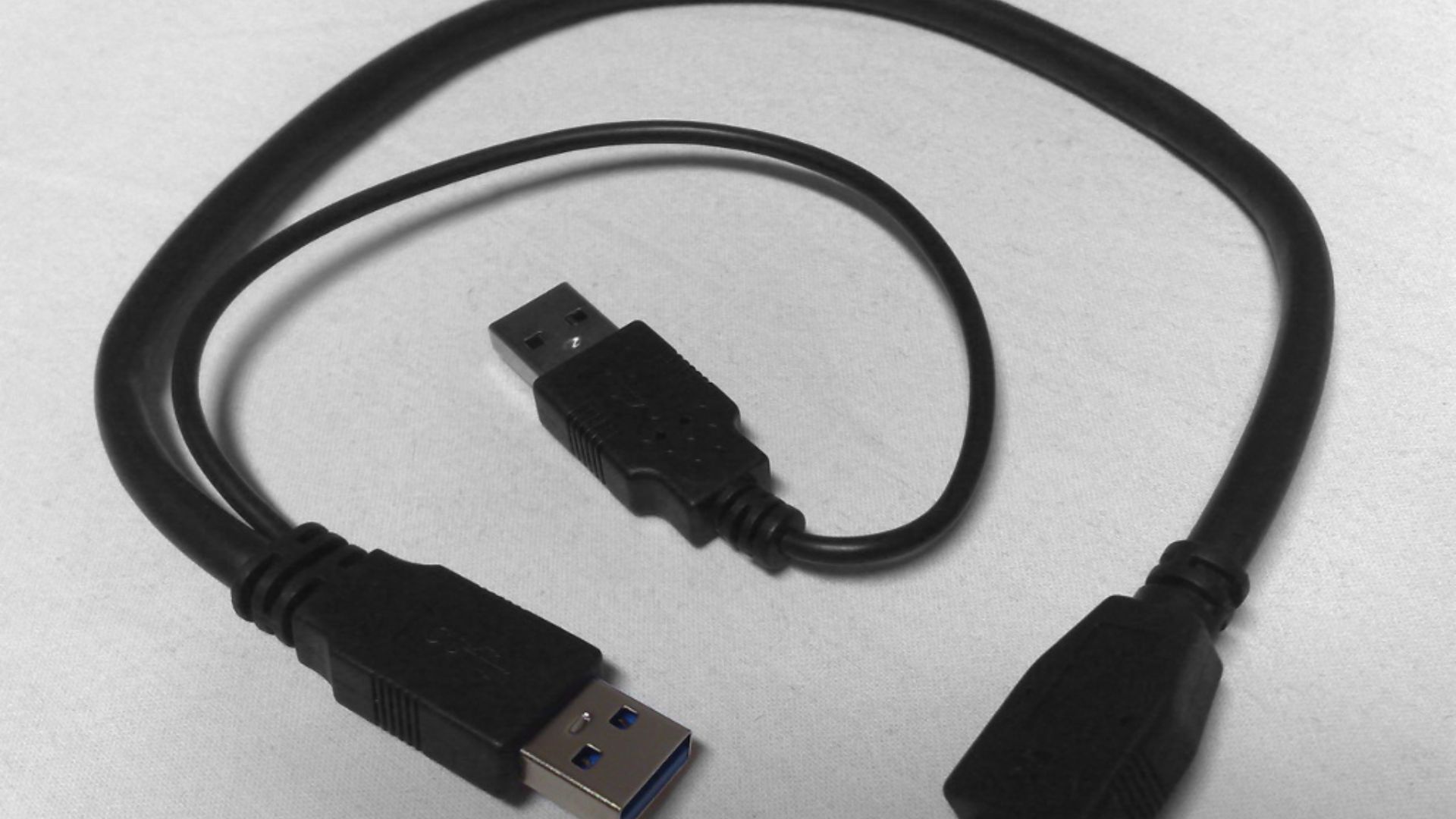
USB 3.0 Cables & Devices
USB 3.0 ports and cables radiate noise around 2.4 GHz, overlapping Wi‑Fi frequencies. Intel confirmed this leakage disrupts routers, mice, and keyboards. Latency spikes and disconnections vanish once a USB hard drive is moved away from the router.
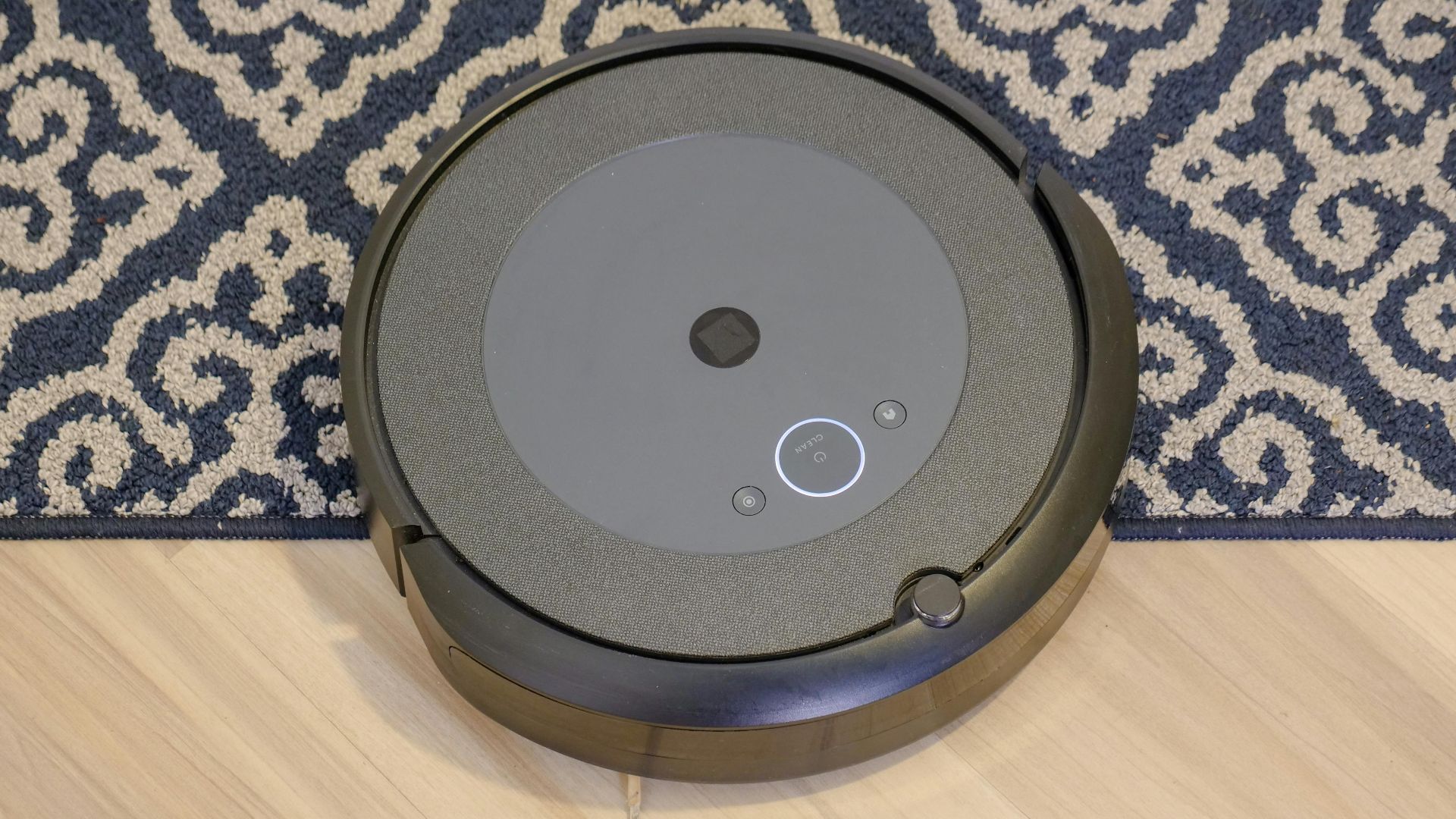
Vacuum Cleaners (Especially Robotic)
Many robotic vacuums connect via 2.4 GHz Wi‑Fi, competing with routers for bandwidth during cleaning cycles. Motors and internal electronics generate electromagnetic interference, particularly in cheaper models. Some robot vacuums now support 5 GHz Wi‑Fi to reduce interference, though most homes still prefer 2.4 GHz for better range.
Drones & RC Toys
When you're flying a drone or controlling RC toys, the remote uses 2.4 GHz with transmitters strong enough to dominate your router. This causes sudden connection drops that interrupt video calls and streaming sessions.

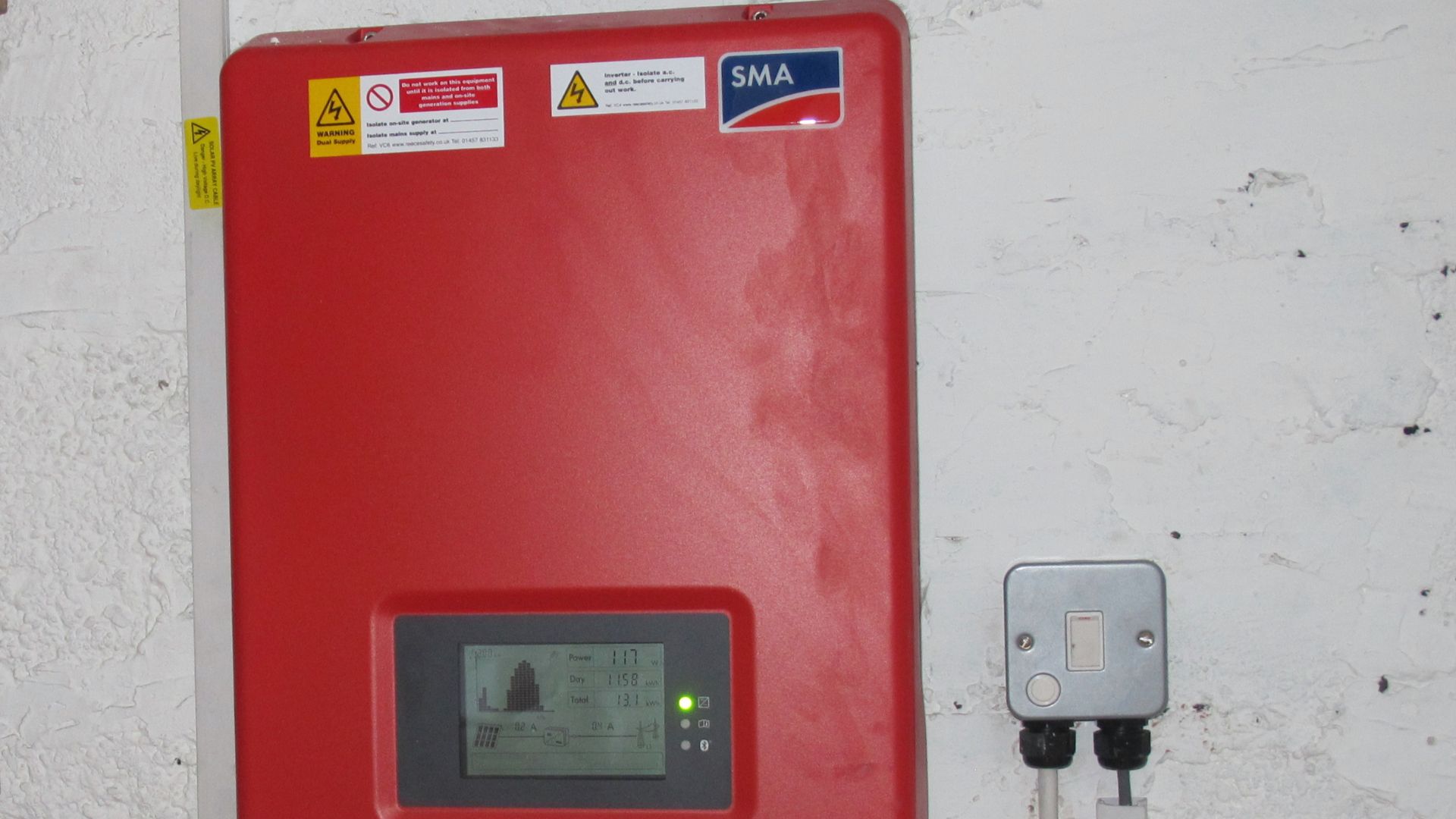
Solar Panel Inverters
Solar panels themselves don't cause problems, but inverters can emit EMI that disrupts Wi‑Fi connections. Poor installation or low-quality inverters dramatically increase interference risks affecting your network. Even Wi-Fi-enabled solar inverters can cause interference.
 David Hawgood , Wikimedia Commons
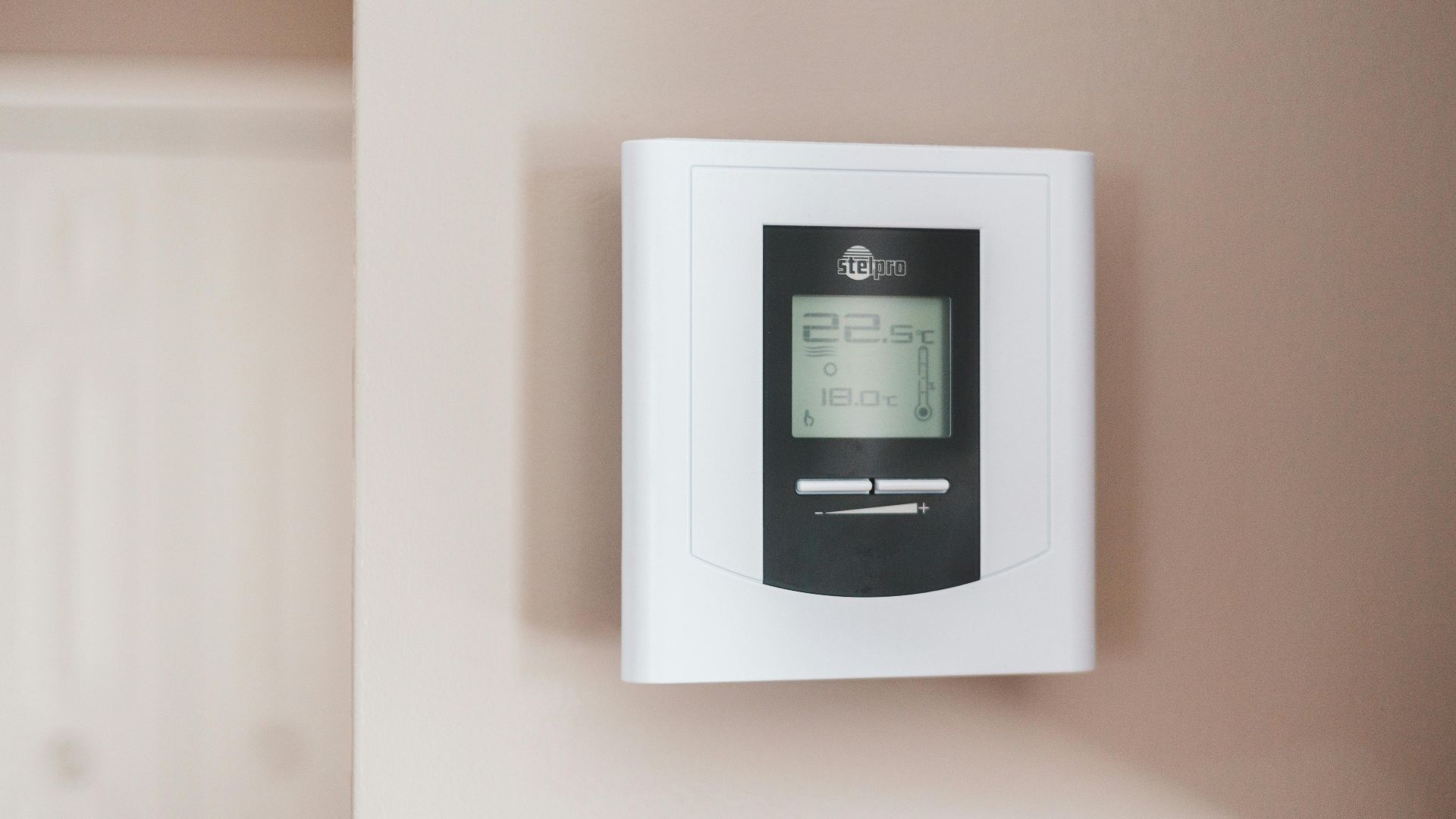
Wireless Thermostats
Smart thermostats like Nest often operate on 2.4 GHz Wi‑Fi, making them vulnerable to interference issues. Symptoms include frequent disconnections, slow app response, and constant reconnections to your network. Firmware updates and proper router placement reduce interference from these devices significantly.
Metal Filing Cabinets
Large metal filing cabinets create noticeable dead zones by blocking Wi‑Fi signals from passing through your office space. These furniture pieces reflect router waves instead of allowing them to reach devices on the opposite side.

Mirrors
The reflective coating on mirrors causes multipath interference that creates weak coverage spots in rooms with extensive mirror installations. Wi‑Fi signals bounce off these surfaces. Bathrooms and bedrooms with large mirrored closet doors often experience frustratingly inconsistent connectivity because of this reflection problem.

Cordless Phones
If you're using a cordless phone, it might be slowing down your internet. These devices transmit on the same frequencies as Wi‑Fi routers, which means they compete for wireless space. The interference causes reduced call quality with annoying static, plus slower internet speeds.
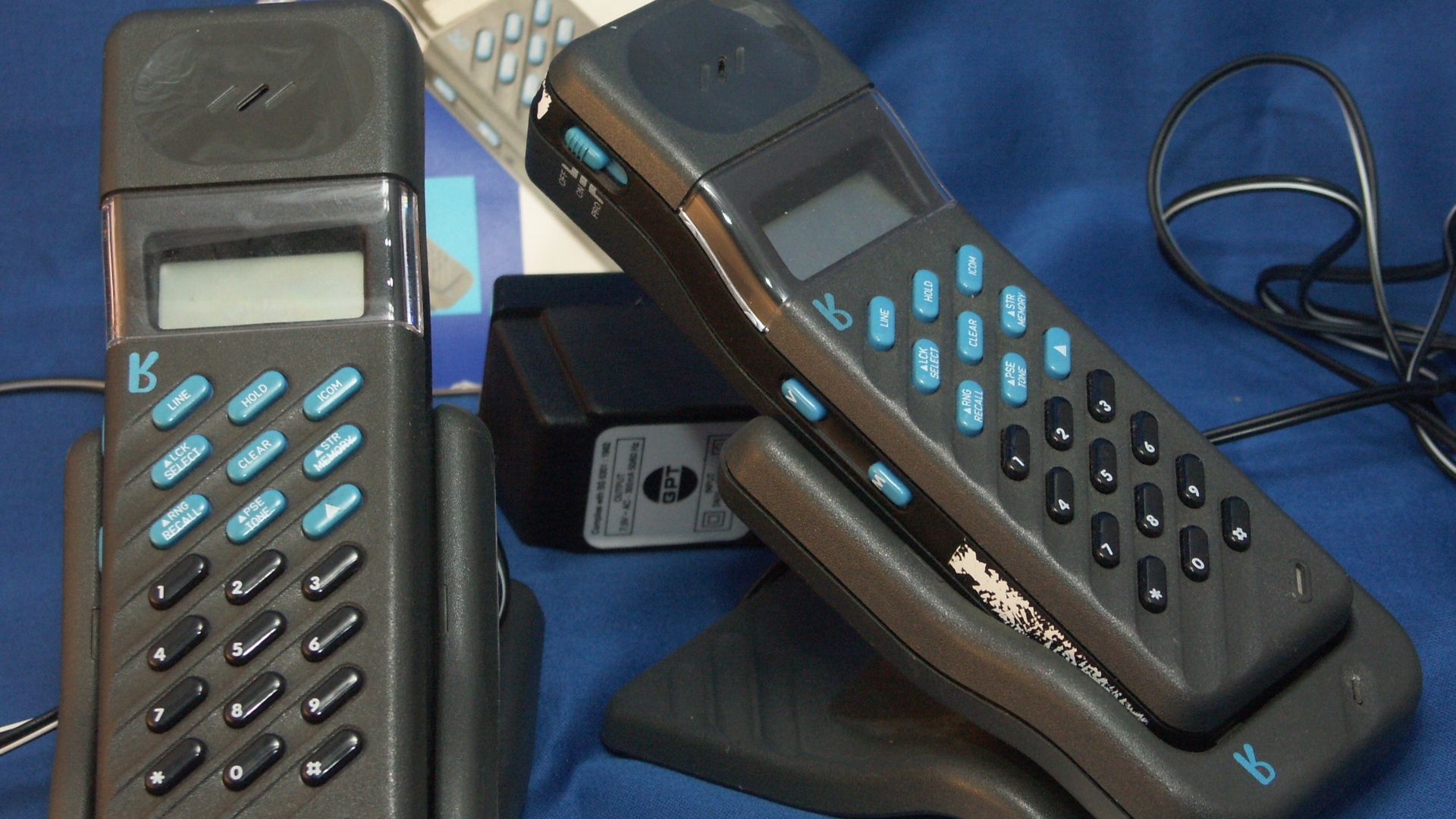 The original uploader was Jmb at English Wikipedia., Wikimedia Commons